

Honest reviews of Procreate, Clip Studio Paint, Photoshop, Krita, and Fresco — so you pick the right app from day one.
Your software choice will shape your entire digital painting experience. The wrong app creates unnecessary friction; the right one makes learning feel natural. This guide compares the best digital painting software in 2025 so you can make the right call from day one — without wasting weeks on the wrong tool.

The five apps that matter most for digital painters in 2025
All prices shown in Indian Rupees. Subscription prices are billed monthly unless noted.
| Software | Platform | Price (India) | Beginner Friendly | Best For |
|---|---|---|---|---|
| Procreate | iPad only | ₹999 one-time | ⭐⭐⭐⭐⭐ | Illustration, portraits, beginners |
| Clip Studio Paint | All platforms | ₹370/mo or ₹4,700 one-time | ⭐⭐⭐⭐ | Manga, comics, illustration |
| Adobe Photoshop | Mac / Windows | ₹1,675/mo | ⭐⭐⭐ | Concept art, professional work |
| Krita | Mac / Win / Linux | Free | ⭐⭐⭐⭐ | Budget beginners, open-source |
| Adobe Fresco | iPad / Windows | Free tier / ₹830/mo | ⭐⭐⭐⭐ | Watercolour & oil effects |

Procreate is the dominant digital painting app for iPad. Its interface is clean and designed from the ground up for stylus input — no overwhelming menus, no confusing panels. Just a canvas and your tools.
The Artma YouTube channel @artmaofficial features multiple beginner Procreate walkthroughs to get you started immediately.
One-time purchase at ₹999 with no subscription, incredibly responsive brush engine, time-lapse recording of your process, a huge library of community brushes, and an active tutorial ecosystem make Procreate the easiest on-ramp into digital painting available anywhere.
Clip Studio Paint is the professional standard for manga and comic artists, but it excels at all styles of digital painting. It offers a depth of features that rivals Photoshop at a fraction of the cost, and its brush engine is one of the most responsive available on desktop.
Available on Windows, Mac, iPad, iPhone, and Android with excellent vector tools, rich brush customisation, a strong animation timeline, and a large asset library. For desktop users who do not want a subscription, the one-time purchase at ₹4,700 is exceptional value.

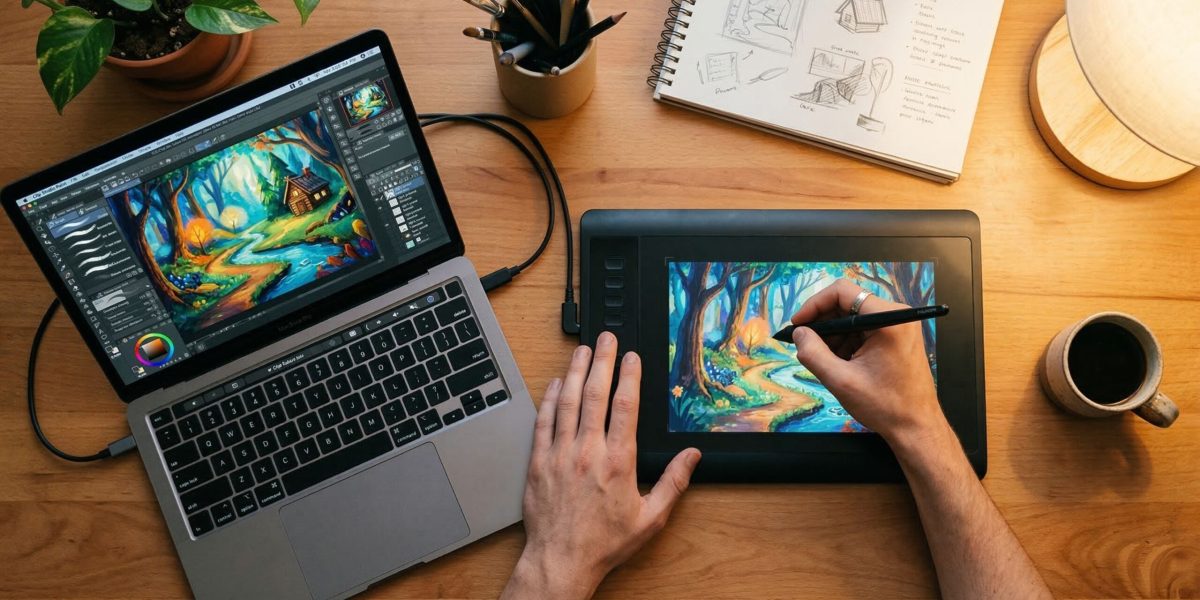
Clip Studio Paint's interface — powerful tools without the Photoshop price tag
Join our free weekly workshop and get personalised guidance on the right tools for your goals — live, with real artists.
Reserve Your Free Spot →Photoshop is the industry standard for professional digital painters, particularly in the entertainment industry — concept art studios, game companies, and film production pipelines run on it. Its brush customisation is unmatched, its layer system is powerful, and its integration with other Adobe apps is seamless.
The most customisable brush engine available, non-destructive editing with smart objects, industry-universal file format support, and an extensive plugin ecosystem. Its interface was not designed with digital painting as the primary use case — navigation feels less fluid than Procreate or Clip Studio.
Krita is the most capable free digital painting software available in 2025. It is open-source, actively maintained, and designed specifically for digital painting — unlike GIMP, which is a photo editing tool with painting capabilities bolted on.
Completely free with no ads or feature paywalls, excellent brush stabilisation for smooth lines, strong wrap-around mode for seamless textures, and an active development community. Performance on lower-end machines can occasionally be inconsistent.
Adobe Fresco specialises in pixel-perfect watercolour and oil brush simulation — the digital brushes genuinely behave like physical paint, bleeding and blending on the canvas in real time. Available on iPad and Windows with a generous free tier.
Most realistic watercolour and oil simulation of any app, with live brushes that physically interact with each other on the canvas. Clean interface and Photoshop integration make it a natural step up for Adobe users who want more painterly output.
Your device and budget are the two deciding factors. Here is the clearest path forward by use case:

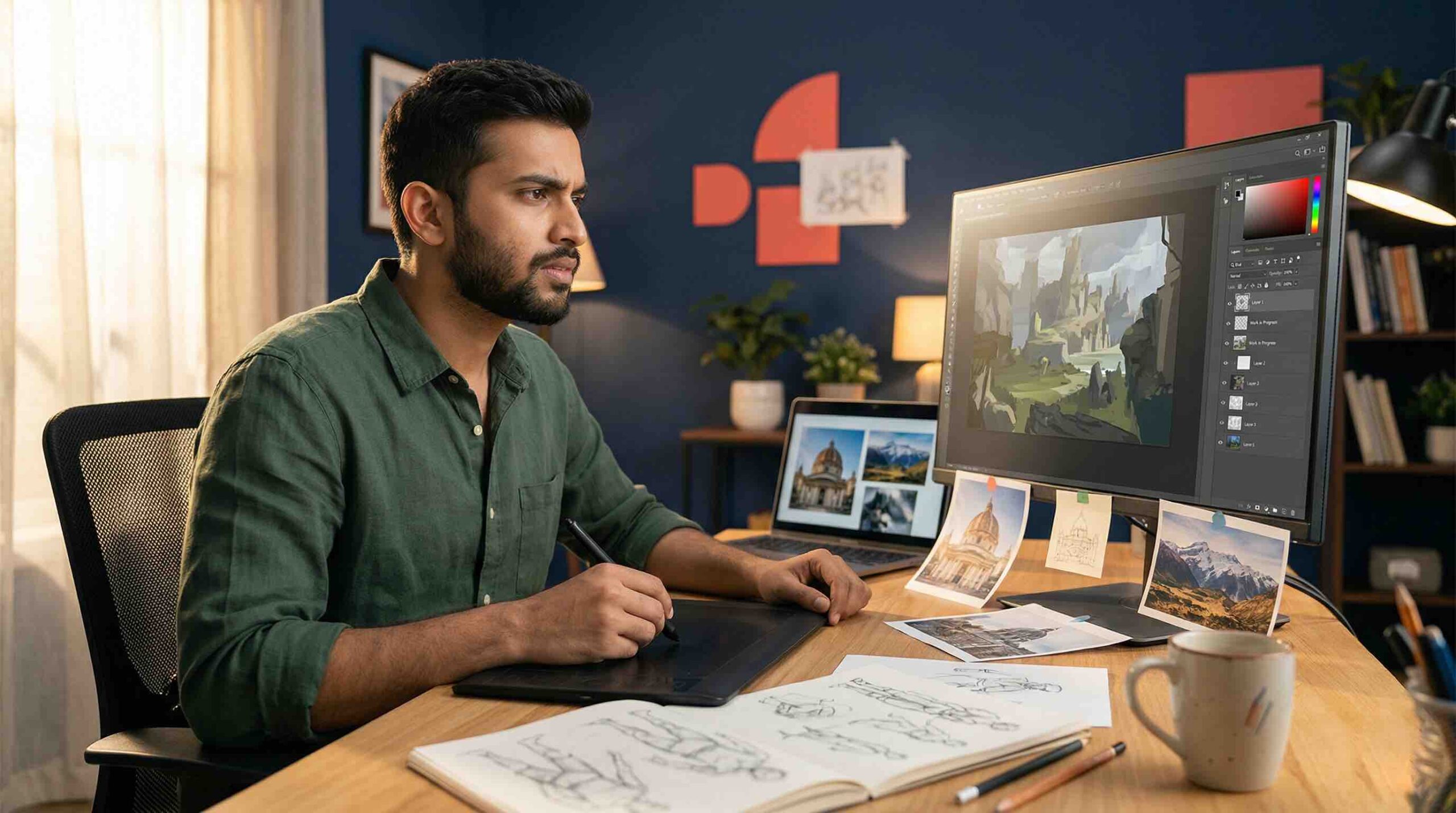
Desktop or iPad — both are great starting points with the right software
Still unsure? Bring your question to the Artma free weekly workshop — our instructors help every attendee pick the right tool for their specific goals before the first stroke is painted.
Read Also
The Artma free weekly workshop is software-agnostic — we teach fundamental skills that apply to any app. Join live and start painting this week.
Reserve Your Free Spot →