
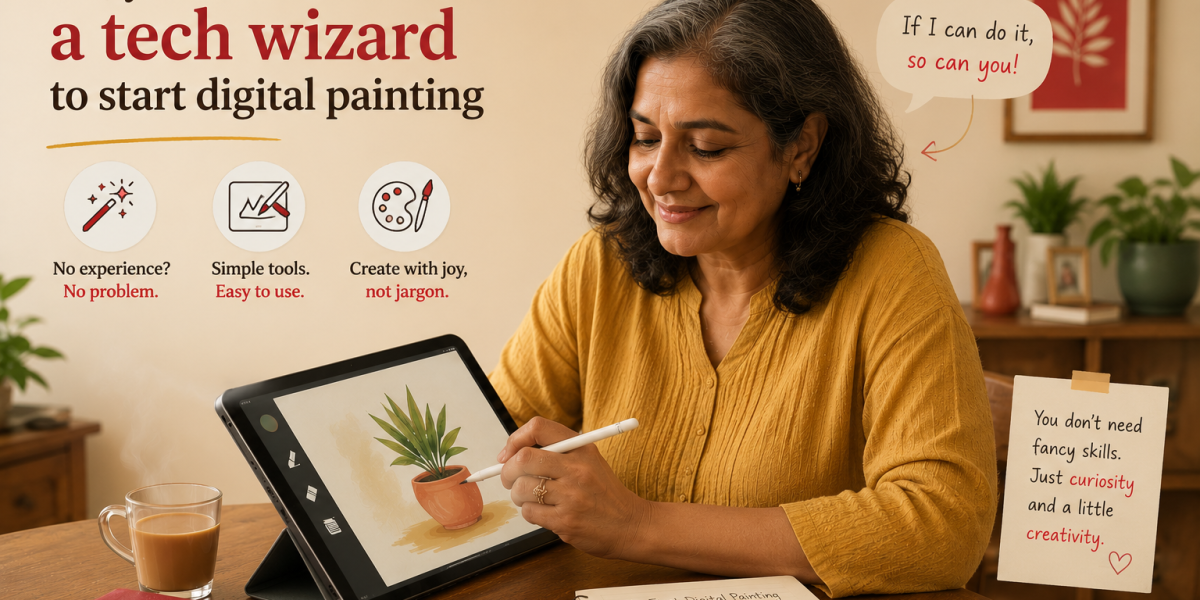
No, You Don't Need to Be a Tech Wizard to Start Digital Painting
If "I'm just not good with technology" is the only thing standing between you and your first digital painting — this one's for you.
Every time we open enrollment for a new batch, the same question shows up in our inbox — sometimes from the person who wants to join, more often from someone asking on their behalf: "Will they actually be able to keep up? They're not really a tech person."
It's understandable. Digital painting software looks intimidating from the outside — toolbars, panels, layers, sliders, menus inside menus. If your only reference point is watching a professional artist's screen fly across the canvas, of course it looks like something only "tech people" can do.
But here's what we've seen across hundreds of students, many of whom hadn't opened a design program in their life before their first session: the software is never the hard part. Below, we're breaking down exactly what skills digital painting really requires — and why the ones you're worried about almost never matter.
At a Glance
What You're Worried About vs. What's Actually True
| Concern | The Myth | The Reality |
|---|---|---|
| Coding & programming | "I'll need to understand code or programming logic" | Zero coding involved — every tool is a button, slider, or brush you click and drag |
| General "tech skills" | "I need to be naturally good with computers" | If you can use WhatsApp, take a photo, or browse Instagram, you already have enough |
| Equipment cost | "I need an expensive tablet and a powerful computer" | A budget tablet plus free software like Krita is genuinely enough to start |
| Shortcuts & commands | "I'll need to memorise dozens of shortcuts on day one" | You'll pick up 3–4 essentials naturally within your first week |
| Keeping up with updates | "Software changes too fast — I'll always be behind" | Core tools — brush, eraser, layers, undo — have worked the same way for over a decade |
Myth 01
"I'll Need to Learn Code or Understand Complicated Programs" Reality: it's all point, click, and drag — nothing you type, nothing to compile
This is the single biggest misconception we hear, and it's an easy one to understand — most people's only exposure to "design software" is hearing developers talk about it, which makes it sound like a coding discipline. It isn't.
Digital painting software like Procreate, Krita, or Photoshop works the same way a camera filter app on your phone works: you tap an icon, drag a slider, or swipe with your finger or pen. Changing a brush size is a slider. Adding a new layer is a single tap on a "+" icon. There is no command line, no syntax, and nothing to "write" except the artwork itself.
Myth 02
"The Interface Has Too Many Buttons — I'll Get Lost in There" Reality: 90% of your work happens with about five tools — the rest you can ignore
It's true that if you open Photoshop or Clip Studio Paint for the first time and stare at every panel on screen, it looks like a cockpit. But almost none of those panels are things a beginner — or even most working artists — touch in a typical session.
Every program we teach lets you hide, rearrange, or simplify the workspace. In our sessions, we set students up with a stripped-down layout from day one: brush, eraser, color picker, layers, and undo. That's it. Everything else stays tucked away until — and unless — you ever need it, which for most hobbyists is rarely.
From Artma
The best way to test this isn't to read about it — it's to try it.
Our free workshop is built for exactly this situation: people who aren't sure the technology side will click for them. Come for one live session, see the software opened up step by step with an instructor right there, and decide for yourself. No card, no pressure.
Join the Free Workshop →Myth 03
"I'm Too Old — Or It's Too Late — to Learn New Technology" Reality: drawing experience transfers directly, regardless of when you last touched a screen
We get versions of this question from people in their 40s, 50s, and 60s more often than you'd expect — usually phrased as "I grew up without computers" or "my kids are the tech people in the family, not me."
Here's the part that surprises most people: if you've ever held a pencil and drawn anything, even just doodles, that hand-eye coordination is the hard part — and you already have it. Holding a stylus and pressing it to a screen feels remarkably close to holding a pen on paper. The "technology" layer on top of that is thin, and it's the part we teach. Age has never been a meaningful predictor of how quickly someone gets comfortable in our sessions.
Myth 04
"I Need Expensive Equipment Just to Get Started" Reality: a budget tablet and free software cover everything you need to begin
People often picture a high-end iPad Pro or a top-tier Wacom tablet as the entry ticket to digital art. In reality, that's the gear professionals upgrade to later — not what anyone starts with.
An entry-level drawing tablet, paired with free software like Krita or MediBang Paint, is more than capable of taking you from your first stroke to a finished illustration. Most laptops from the last several years already meet the requirements. We always recommend starting with the cheapest setup that works, and only upgrading later if digital painting becomes something you stick with.
Myth 05
"If Something Goes Wrong, I'll Have No Idea What to Do" Reality: you're never figuring it out alone — live help is part of the program
This worry usually isn't really about the software — it's about the fear of getting stuck somewhere with nobody to ask. That's a completely fair concern, and honestly the right thing to plan around.
Every session is live, with an instructor watching for exactly the kind of small, software-related snags that throw beginners off — a hidden toolbar, an accidentally locked layer, a brush that suddenly looks different. These get resolved in seconds during the session. On top of that, sessions are recorded so you can revisit anything you missed, and there's a peer community for the in-between moments.
Watch a complete beginner open the software for the very first time
No editing, no skipped steps — just a first-timer setting up their canvas and making their first marks, with an instructor talking through every click.
Subscribe on YouTube →FAQ
Common Questions
No. Sessions are built assuming this is the first time you've opened anything like this — we start from how to open the software and set up your first canvas.
That's the norm, not the exception. The first session covers tablet setup and basic pen control — how to hold it, how pressure works — before any actual painting begins.
We usually recommend Krita (free, available on Windows and Mac) or Procreate (a one-time purchase on iPad). Both have simple, beginner-friendly layouts compared to professional industry tools.
Most students feel comfortable with the core tools — brush, layers, eraser, undo — within their first one or two sessions. After that, it stops being something you think about.
Yes — the Artma Free Workshop for Beginners in Digital Painting is exactly for this. It's free, live, and the easiest way to see for yourself before deciding on anything further.
Read Also
Still Not Sure the Tech Side Will Click?
The easiest way to find out is to sit in on a real session. The Artma Free Workshop is live, beginner-paced, and built for exactly the kind of "I'm not techy" worry this post talks about — no experience or equipment commitment needed.